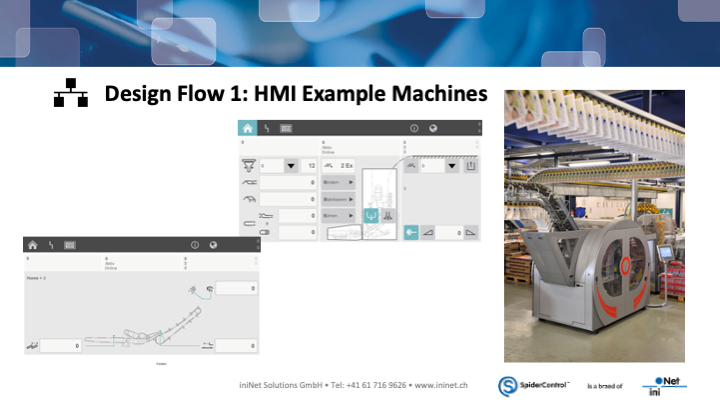
Do you want a web HMI – on a PLC, control system or panel – for a new plant, machine or building application?

In this case, the modular SpiderControl system is the right choice for you!


SpiderControl is able to do everything:
  • Web HMI directly on the embedded web server of the PLC
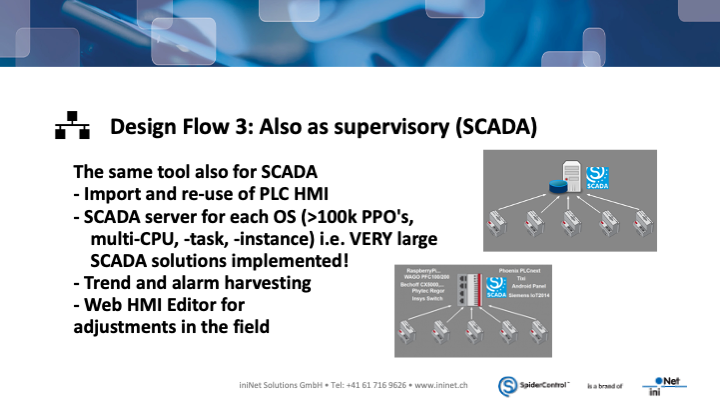
  • SCADA (control system) on any operating system and hardware
  • Small SCADA solutions on PLC, Raspberry Pi, panel or embedded computer
  • Large SCADA (> 100 PLC, 100 k variables) on Windows, Linux and in the cloud
 

PDF Download


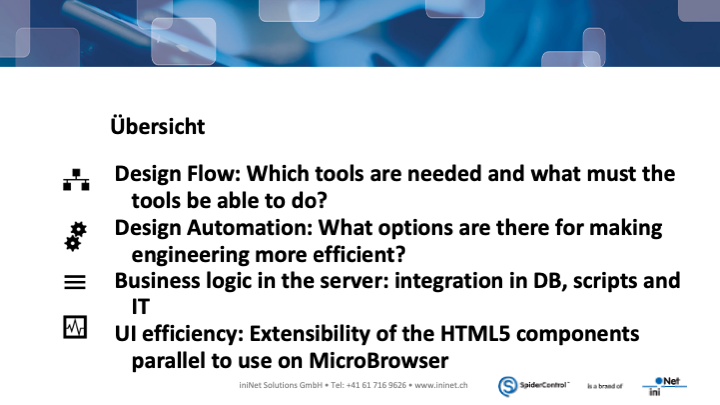
The technology & advantages of SpiderControl

to our youtube film


HMI development: Less effort through standardization

What possibilities are there to significantly reduce the development effort and to develop the work from the kind of a “software manufactory for single pieces” to an industrial process? Which aspects have to be considered?
 

PDF Download


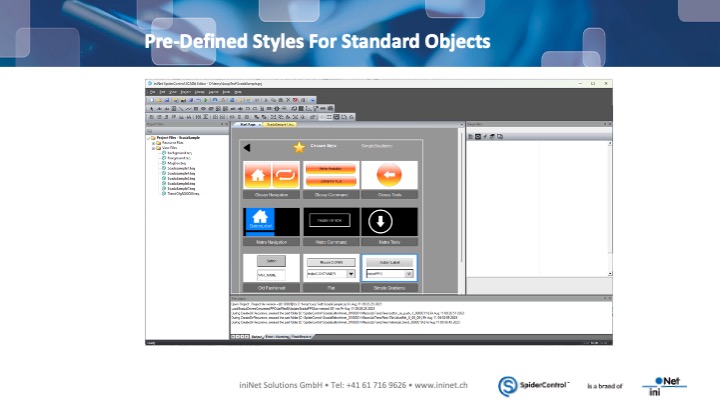
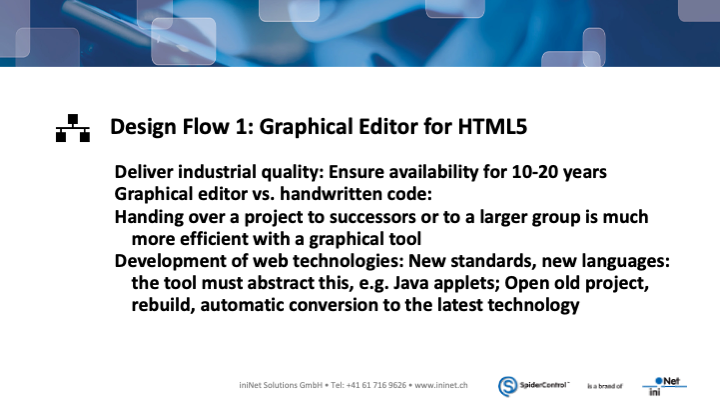
SpiderControl PC HMI-Editor

Powerful graphical programming tool for creating HTML5 web HMIs for automation – no Java Script programming required.
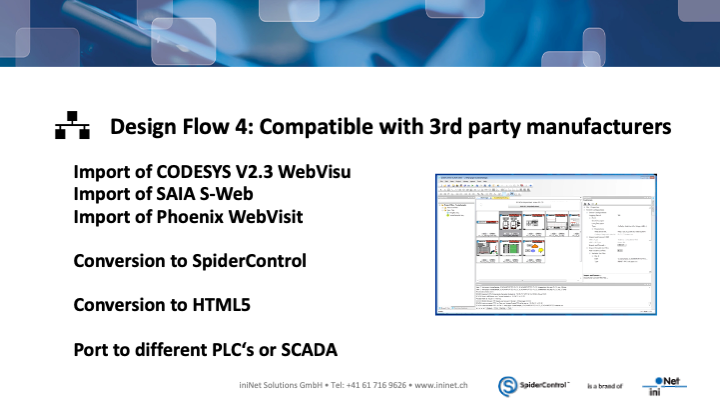
Do you know WebVisit from Phoenix Contact, the S-WEB Editor by SAIA-Burgess or the FP Web Designer by Panasonic? These tools are OEM versions of SpiderControl! SpiderControl has been continuously developed and you will surely find your own solution right away!


SpiderControl Web-HMI Editor V9 – Modern Web-Based HMI Engineering

The Web-HMI Editor Version 9 provides a powerful environment for creating modern industrial user interfaces using pure HTML5 technology. It enables engineers to design responsive and high-performance HMI applications that run seamlessly on PCs, mobile devices, and web panels within any HTML5-compatible browser.

At the heart of Version 9 is a single-page application (SPA) architecture. This approach loads the application once and dynamically updates the content, enabling extremely fast navigation and smooth operation. Combined with intelligent browser caching and compressed ZIP storage, it ensures very fast page switching and efficient performance, even in large HMI projects. The system remains fully compatible with MicroBrowser clients, allowing reliable deployment across different platforms.

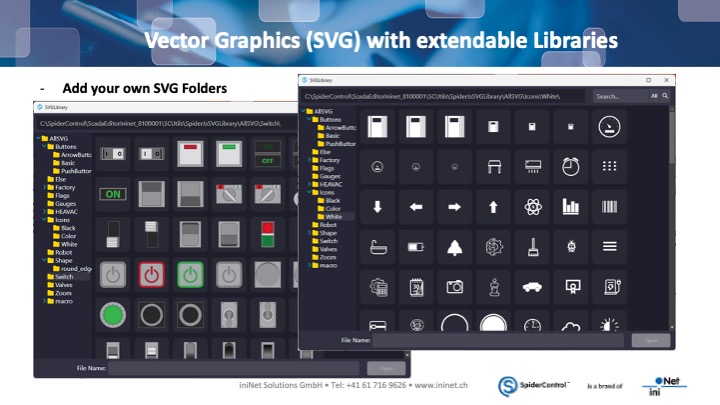
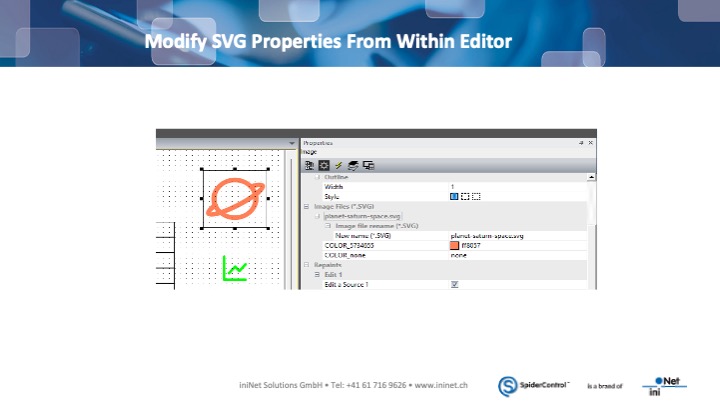
The editor is based on multi-layer vector graphics using SVG, providing scalable and high-quality visuals for industrial interfaces. Users can access extendable SVG libraries or integrate their own custom graphics. A single SVG element can dynamically adapt in size, color, and rotation during runtime, which simplifies maintenance and reduces the number of graphic assets required. SVG properties can also be modified directly within the editor.

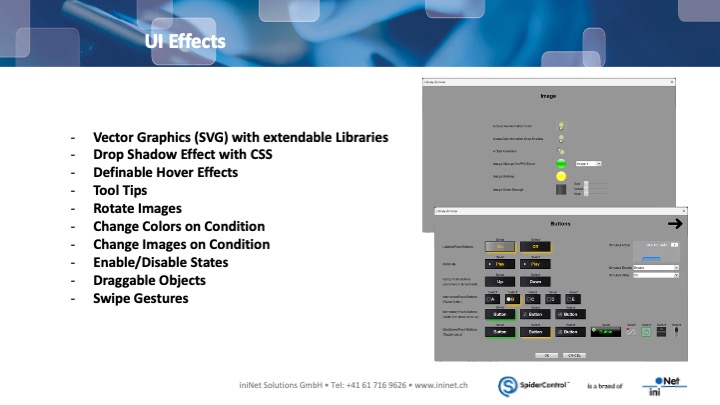
To enhance usability, Web-HMI Editor V9 includes a variety of interactive UI effects. Designers can apply CSS-based drop shadows, hover effects, and tooltips to create intuitive operator interfaces. Objects can change color or image depending on conditions, and elements can be enabled or disabled dynamically. Touch-friendly features such as draggable objects and swipe gestures make the system ideal for modern touch displays.

The text system supports multilingual projects with full UTF-8 compatibility. Text objects offer flexible formatting options including CSS-linked fonts, blinking indicators, dynamic color changes, multi-line text, and automatic scrolling. Text elements can also react to conditions or user levels, ensuring that relevant information is displayed for each operator.

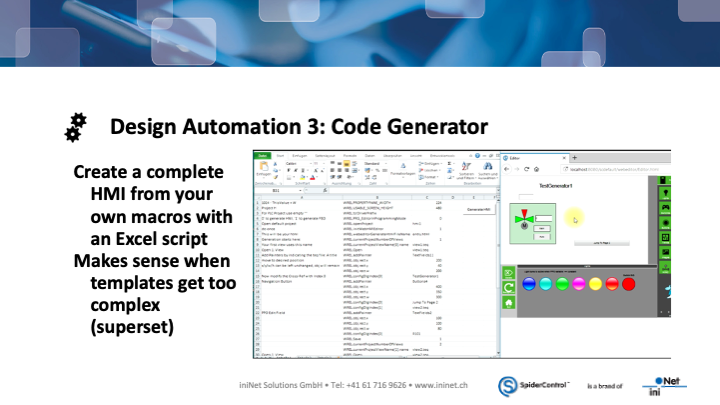
Engineering efficiency is improved through macro libraries and reusable components. Existing macros can be used directly, while users can also create their own macros and dialog systems. An interactive selector and macro dialogs help streamline configuration and speed up project development.

Powerful object property management tools simplify editing even in large projects. Developers can use quick-edit modes for frequently used properties, switch to advanced views for detailed configuration, and perform cross-references with project-wide find-and-replace functions. Layer management and tile groups also support responsive interface design.

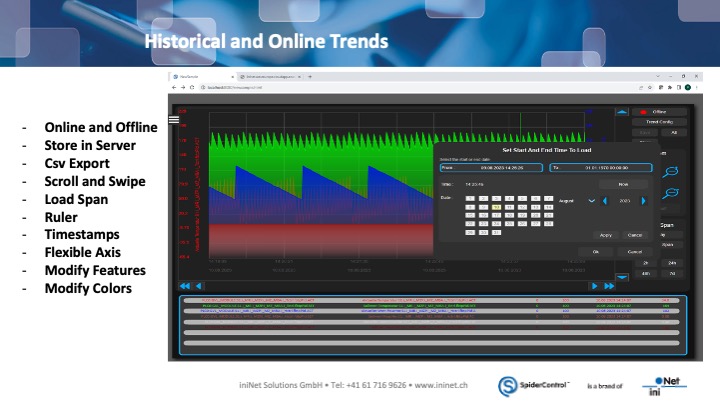
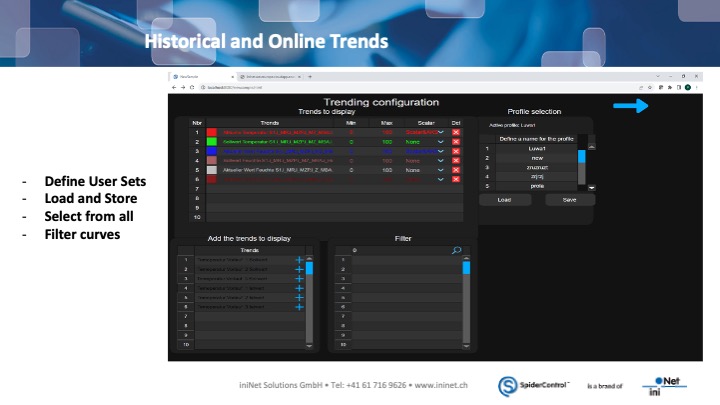
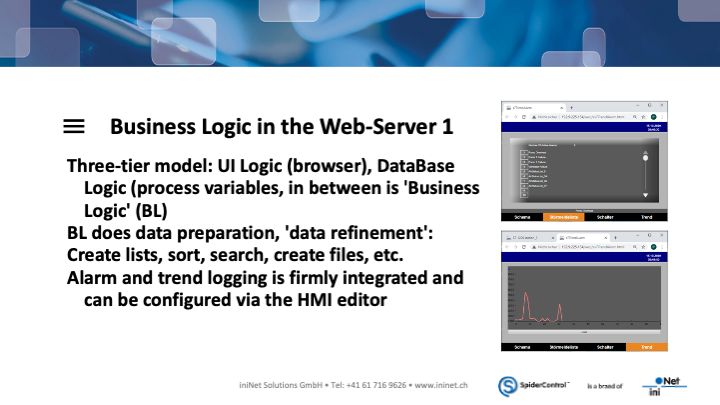
For monitoring and analysis, the editor provides integrated online and historical trend displays. Process data can be stored on the server, visualized with flexible axes and timestamps, and exported to CSV files. Operators can navigate trends using scrolling or swipe gestures and filter curves using predefined user sets.

An integrated oscilloscope feature allows high-speed visualization of arrays received from the server, including full X/Y coordinates for each value. Array size is user-defined, enabling detailed signal analysis for demanding applications.

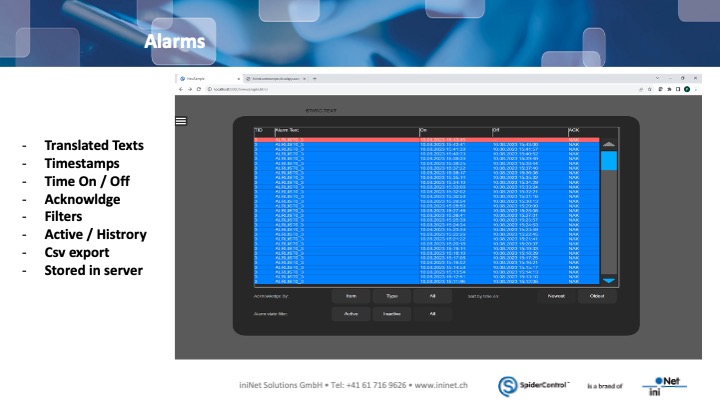
Operational tools such as alarm management and recipe handling are also included. Alarms support timestamps, acknowledgments, filtering, and translated texts, with storage on the server and CSV export capabilities. Recipes can be created with an integrated template editor and executed directly on the SCADA server, allowing unlimited recipe configurations.

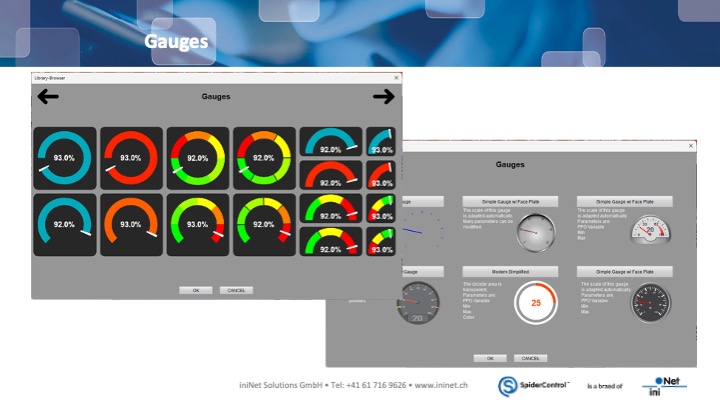
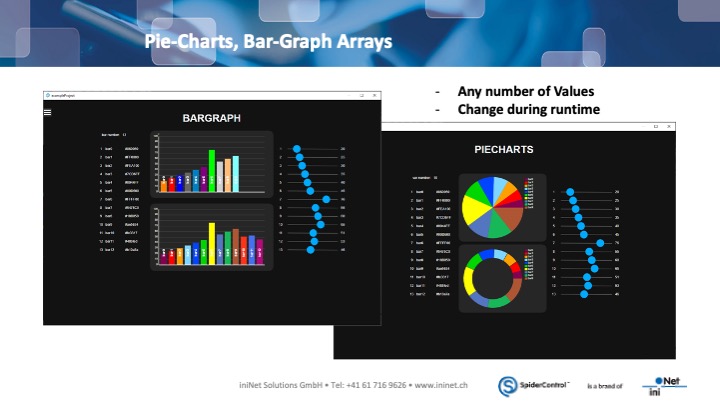
For visualizing process values, the editor offers gauges and charts such as pie charts, bar graphs, and value arrays that update dynamically during runtime.

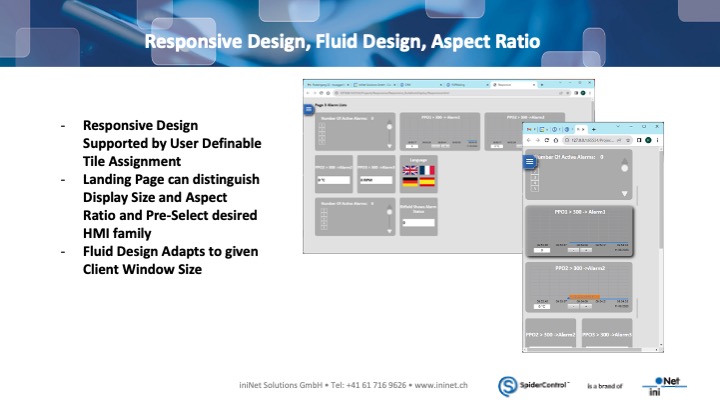
Web-HMI Editor V9 also supports responsive and fluid design, allowing HMI applications to automatically adapt to different screen sizes and aspect ratios. A landing page can detect display properties and select the appropriate HMI layout, making the system suitable for desktops, tablets, and mobile devices.

Security is ensured through user and access management integrated with the SCADA system. Users, passwords, and groups can be managed either in the editor or directly on the server. User levels define permissions, and token mechanisms ensure that only one client can perform write operations at a time.

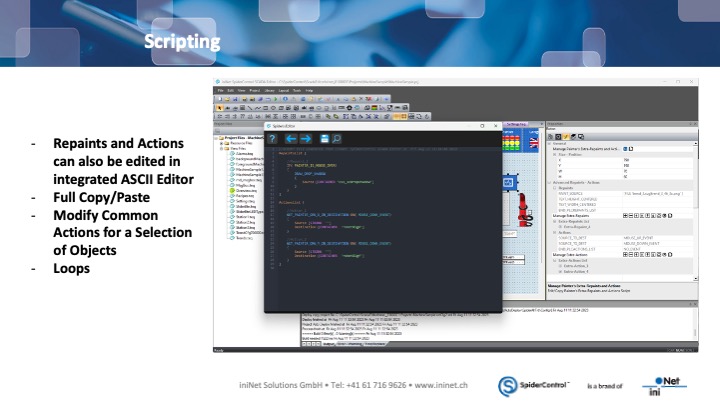
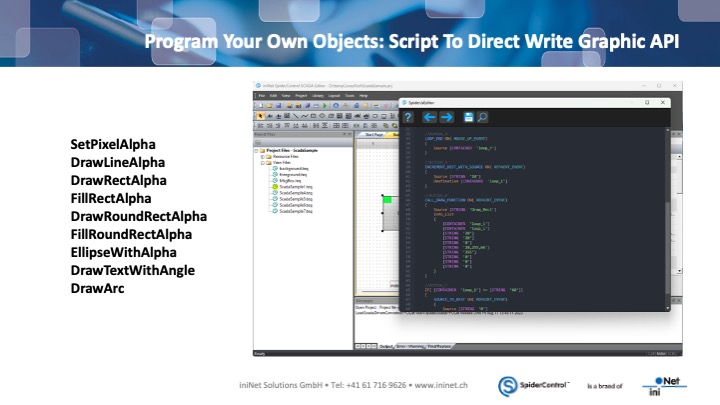
Advanced customization is possible through the integrated scripting environment, where developers can create actions, loops, and logic sequences in an ASCII editor. Scripts can even be used to create custom graphical objects by directly accessing the graphic API.

With its combination of performance, flexibility, and modern web technologies, SpiderControl Web-HMI Editor V9 enables the development of powerful, scalable, and device-independent industrial HMI applications.

to our flyer


Here you can find our Web-HMI Short Sample Tour:
 

You are currently viewing a placeholder content from YouTube. To access the actual content, click the button below. Please note that doing so will share data with third-party providers.

More Information

Learn about the many features of SpiderControl.

to our youtube film